
Create a Planner in Power Point
Do You Struggle with making Planners in
Power Point?
Learn How to Make a Planner in Power Point
And Get Full PLR Rights to the Finished Product
Click Play and see Module 2 – Sped Up
In the course – it is slower and there is narration :).
Learn How to Create a Planner in Power Point for only $47
Many templates for Low Content Products come in Power Point
But What if you Don’t know how to use Power Point for Planners?
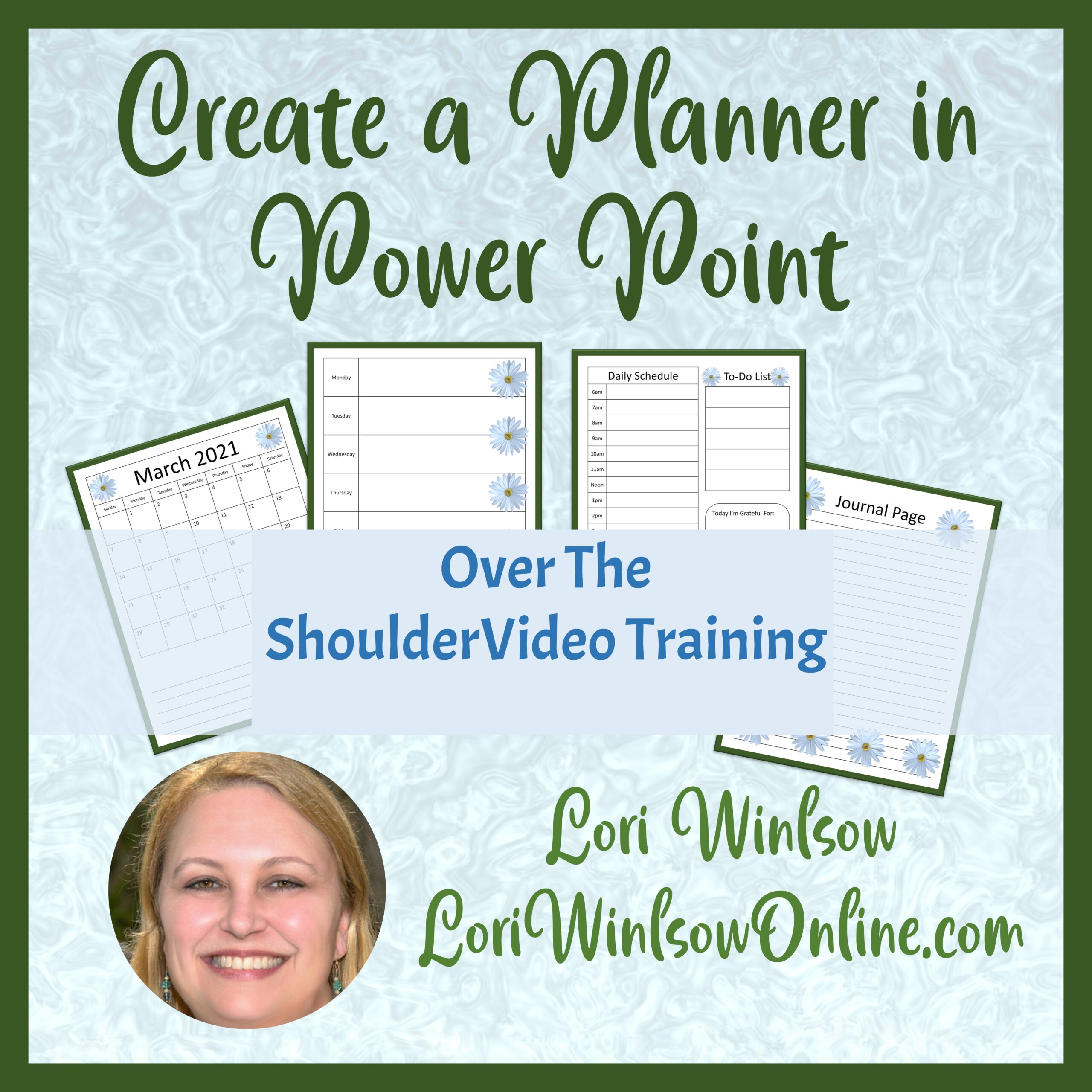
Watch these short over the shoulder videos to easily create your own Planner in Power Point.
Learn How to Create:
- Monthly Calendar Page
- 1 & 2 Page Weekly Layouts
- Daily Planner Layout
- A basic journal page
- A To-Do List

Have you been struggling to break into the low content market because you lacked the skills?
Struggle No More!
6 Modules to follow along step by step
-
Module 1 – Page Set-up (6:04)
-
Module 2 – Monthly Layout (7:54)
-
Module 3 – 1 & 2 Page Weekly Layout (6:25)
-
Module 4 – Daily Page Layout (10:56)
-
Module 5 – Journal & To-Do List (12:49)
-
Module 6 – Printing & Selling (15:38)
-
Plus 2 Bonus Modules – Layers in Power Point & Customizing Your Quick Access Toolbar
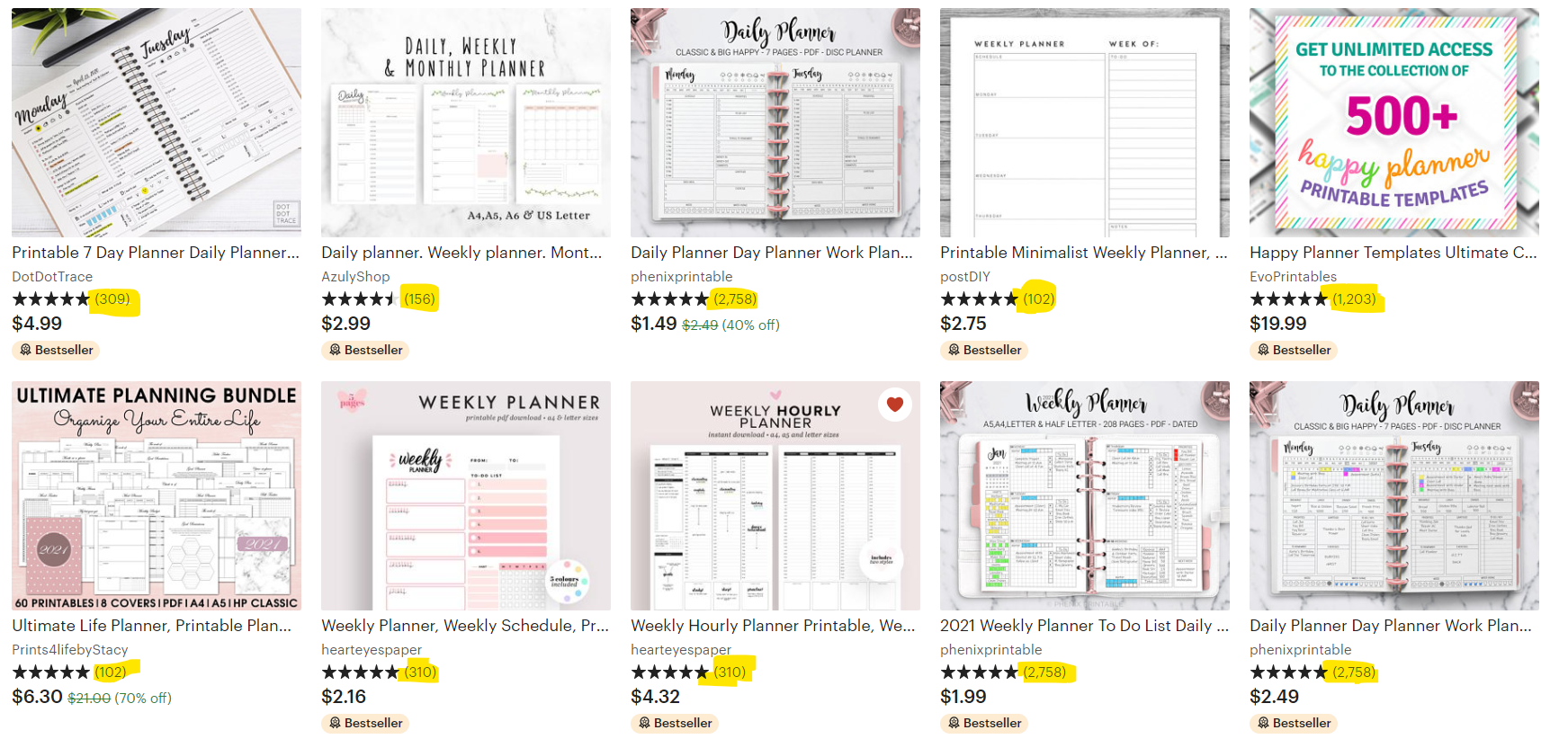
Take a look at these examples of Printable Planners from Etsy

IMAGINE…
-
Being Able to Build Your Own Custom Planner
-
Being Able to Easily Edit other Templates
-
Being Able to Create a Fully Branded Line of Printable Planners
-
Creating a New Stream of Income
Learn How to Create a Planner in Power Point for only $47

A Little Bit About Lori Winslow….
I have been a budding entrepreneur for many years – and have finally achieved my goal of being my own boss. I have always enjoyed using journals and planners, so becoming a Low Content PLR Designer has been a natural fit, to help me realize that dream.
I live along the Colorado River along the Arizona and California border with a very supportive and understanding husband. We lived in New England for 15 years, then sold our house and belongings to travel full time in a RV. Health issues forced us to be more stationary, so we have settled in a campground for the long term.
As a designer, I work primarily in PowerPoint to create my products, it makes me feel smart ;).