
Save Some Green Sale!
4 Days Only
March 17-20, 2023
No Coupon Codes Needed


Get all 3 Courses for Only $77
Learning how to use Master Slides in PowerPoint can shortcut your design efforts and multiply the number of products you can create. Lori Winslow is a PowerPoint expert who shares her wisdom with us. In Using Master Slides in PowerPoint, you’ll discover ways to create unlimited, colorful slide backgrounds to dress up your products. I especially enjoyed learning new ways to increase the number of possible color combinations, by using the color themes options in PowerPoint. This class is great for beginners, as well as advanced users of PowerPoint, who would like to learn more ways to harness the power of PowerPoint Slide Masters.
Save Some Green Sale!
These 3 courses work perfectly together!
If you buy all three of these courses you would spend $161
You are getting all 3 trainings for only $77
-
Module 1 – Page Set-up (6:04)
-
Module 2 – Monthly Layout (7:54)
-
Module 3 – 1 & 2 Page Weekly Layout (6:25)
-
Module 4 – Daily Page Layout (10:56)
-
Module 5 – Journal & To-Do List (12:49)
-
Module 6 – Printing & Selling (15:38)
-
Plus 2 Bonus Modules – Layers in Power Point & Customizing Your Quick Access Toolbar
-
Lesson 1 – Overview of Master Slides (5:14)
-
Lesson 2 – Using an Image Background (4:28)
-
Lesson 3 – Partial Master Slides (5:11)
-
Lesson 4 – Changing a Journal with Master Slides (8:09)
-
Lesson 5 – Using Master Slides on a Basic Journal Template (4:25)
-
Lesson 6 – Modifying Multiple Master Slides (6:26)
-
Lesson 7 – Creating Your Own Master Slides (9:55)
-
Lesson 8 – Modifying a Digital Planner (7:34)
-
BONUS – Google Slides Master (5:34)
-
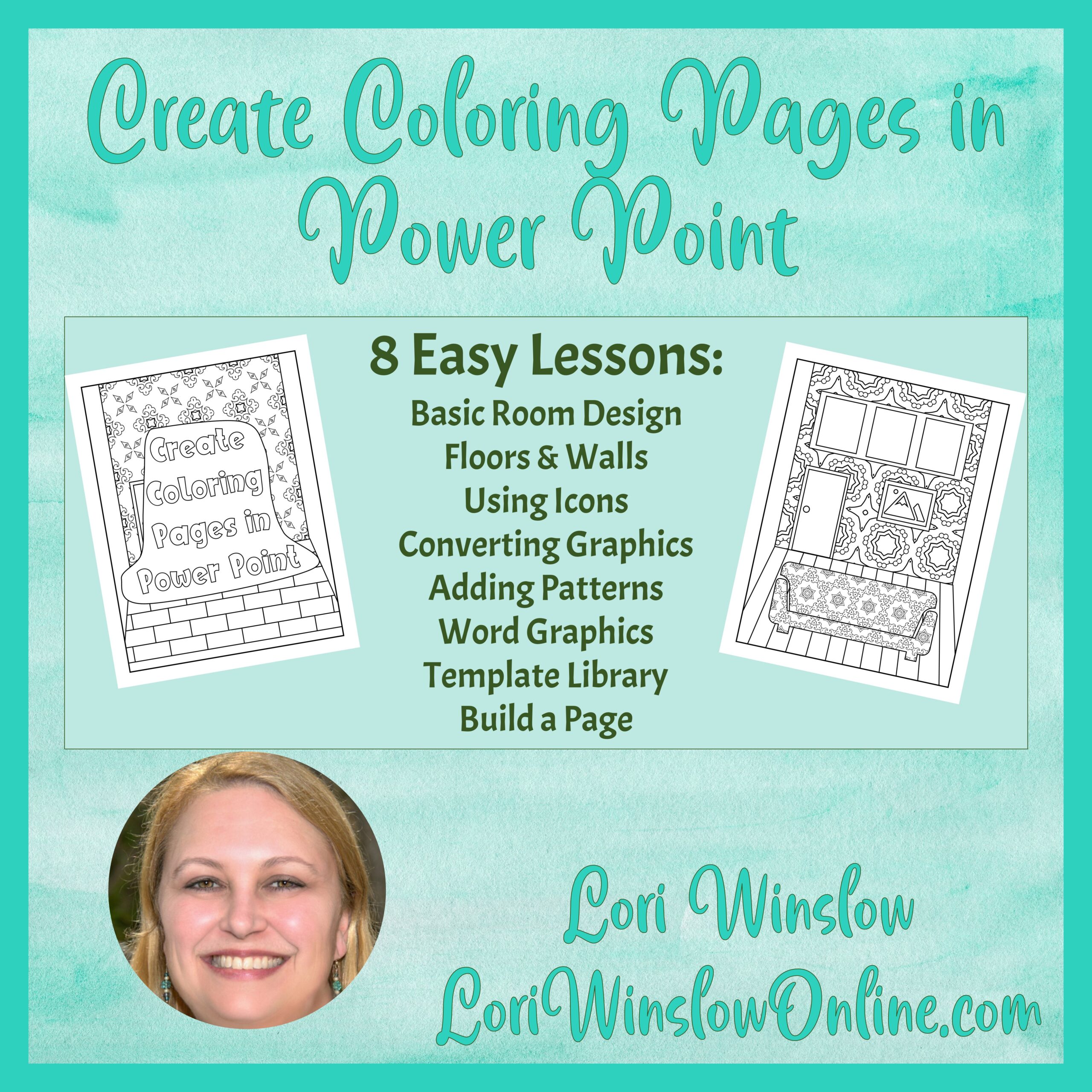
Module 1 – Build a Basic Room
-
Module 2 – Floors & Walls
-
Module 3 – Using Icons
-
Module 4 – Converting Graphics
-
Module 5 – Adding Patterns
-
Module 6 – Word Graphics
-
Module 7 – Template Library
-
Module 8 – Build a Page
-
Plus Bonus Module – Modifying Ready Made Coloring Pages
Get all 3 Courses for Only $77
Lori shows you how to use basic elements like lines and shapes to create scenes inside a house or building that are perfect as coloring pages.
I have no idea why I never thought to do this, but it's pretty dang fun once you see how.

A Little Bit About Lori Winslow….
I live in the small New England town of my dreams with a husband even better than I dreamed. I work part-time in an animal hospital while building my online empire.
I was born and raised in Southern California, moved across country alone (my sister share the car ride) and met my husband in the first month I lived here in the home of Mystic Pizza.
I work primarily in PowerPoint to create my products, it makes me feel smart ;).