
Create Clip Art in Power Point
Basic Designs
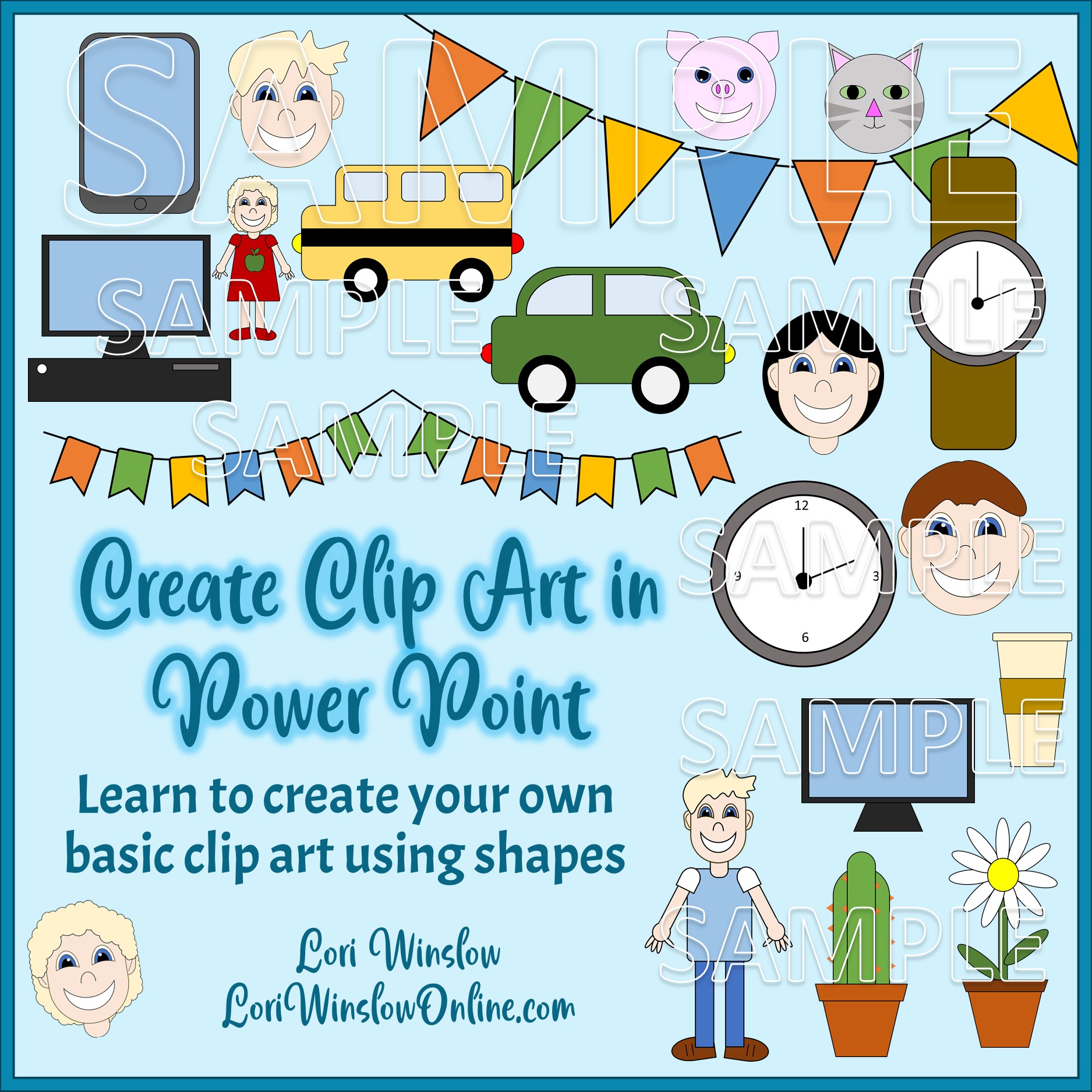
While Power Point wasn’t designed to be a graphic program, it has features that make it possible to create beautiful clip using shapes.


Do you struggle to find clip art with re-sell rights?
This multi video training course aims to help you create your own Clip art right inside of Power Point using basic shapes.
I can’t draw a recognizable stick figure, but I was able to create all these designs.
-
Wrist Watch clip art
-
Wall Clock clip art
-
Tablet Computer clip art
-
Desktop Computer clip art
-
Computer Monitor clip art
-
Pig clip art
-
Cat clip art
-
Car clip art
-
School Bus clip art
-
Daisy in a Flower Pot Clip art
-
Cactus in a Flower Pot Clip art
-
Clip art Characters (People)
Learn to Create These (& More)
Clip art can be an additional income stream, or just for your personal use in your low content products. It’s flexible, fun and easy to follow along. I now look at other clip art and think what shapes can I use in Power Point to create the same thing myself?.
Praise for Previous Courses
“I enjoyed Lori’s Creating Digital Planner Stickers in Power Point and found it really fun to watch her create many pretty digital planner stickers! I love how easy it is to follow her video lessons and I’ve picked up a number of new tips to create stickers in PowerPoint! If you want to increase your product sales by adding pretty digital planner stickers to your mix, this course will be greatly beneficial to you!” ~ Faith L.
Create Clip Art in Power Point - Basic Course
Create Clip Art in Power Point
This course teaches you how to use the shapes in Power Point to create your own clip art – no drawing needed!
Don’t Waste Your Time Trying to Find the Perfect Piece of Clip Art – Create it in Power Point
-
Wrist Watch clip art
-
Wall Clock clip art
-
Tablet Computer clip art
-
Desktop Computer clip art
-
Computer Monitor clip art
-
Pig clip art
-
Cat clip art
-
Car clip art
-
School Bus clip art
-
Daisy in a Flower Pot Clip art
-
Cactus in a Flower Pot Clip art
-
Clip art Characters (People)
Learn how to use shapes to create printable wall art that you can sell on Etsy, on Redbubble, in your own Shopify shop. Or simply use them in your own planner and journal projects without worry about the license terms.
Praise for Previous Courses
“Learning how to use Master Slides in PowerPoint can shortcut your design efforts and multiply the number of products you can create. Lori Winslow is a PowerPoint expert who shares her wisdom with us. In Using Master Slides in PowerPoint, you’ll discover ways to create unlimited, colorful slide backgrounds to dress up your products. I especially enjoyed learning new ways to increase the number of possible color combinations, by using the color themes options in PowerPoint. This class is great for beginners, as well as advanced users of PowerPoint, who would like to learn more ways to harness the power of PowerPoint Slide Masters.” ~ D’vorah Lansky, M.Ed.
Create Clip Art in Power Point - Basic Course

A Little Bit About Lori Winslow….
I have been a budding entrepreneur for many years – and have finally achieved my goal of being my own boss. I have always enjoyed using journals and planners, so becoming a Low Content PLR Designer has been a natural fit, to help me realize that dream.
I live in a picture postcard little New England town with a very supportive and understanding husband. I was born and raised in Southern California, and met my husband almost as soon as I moved across country alone (my sister shared the car ride), and have happily put down roots, even though my family doesn’t understand why I would live someplace so cold.
As a designer, I work primarily in PowerPoint to create my products, it makes me feel smart ;).
Create Clip Art in Power Point - Basic Course
Add a Passive Income Stream – Start Creating Clip Art in Power Point This Week!