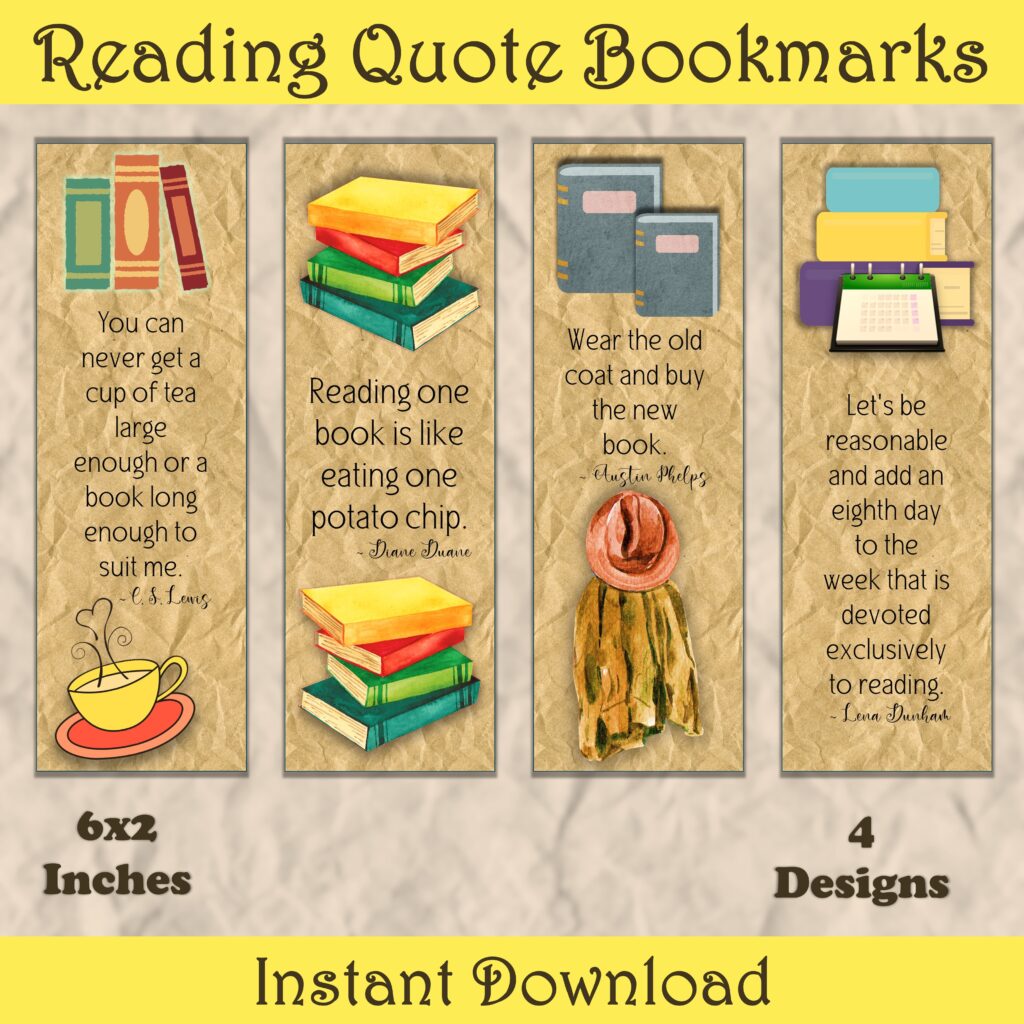
I love to create bookmarks to sell on Etsy. If you are on the hunt for a great product that is easy to make, caters to almost everyone and spreads joy – printable bookmarks can be your answer. These are great products for experienced and new sellers alike to add to their online shop.
Easy to Create
The main reason I love bookmarks is that they are easy to make. Even if you don’t have any design skills you can quickly and easily create your own amazing bookmarks.
You start with free graphics from sites like Pixabay and Creative Fabrica and use them in your designs. Both of these sights allow you to use the images in commercial products – this is important. You can’t just use and graphics you find online, you do need to make sure that you have the correct usage rights. This tends to trip people up – don’t let it, start with the sites I mentioned and you will be fine 😊.
Personally, I like to create my products in Power Point, but you can use any program that you like – including the free version of Canva. Other creators use programs like Photoshop or Infinity Designer – I don’t have the skills to use these programs, but if you do, go for it. There is no wrong way to create bookmarks, as long as you can create a final PDF to deliver to your customer.
If you would like to learn more about how I use Power Point to create my bookmarks, check out my course here – Create Bookmarks and Greeting Cards in Power Point – and you can use the coupon code: BOOKMARKS to save $10 off the purchase price.
How to Get Started
A great way to get started is to pick a subject/niche that you already like and then you can build on that. If you love dogs, create bookmarks with dogs, if you love waterfalls, make your designs with waterfalls – you get the idea.
Now, before you create your first design, you should take a look on Etsy and see the printable bookmarks that are available for sale. I like to do this in an incognito window, so that my previous searches don’t influence the results. This will help you to see the size(s) that are popular and also see how many are offered for each pack and the price point.
Now that you have done your research, you are ready to design your first bookmark. I personally design each bookmark individually, then export the final version as an image that I add to the delivery page for the customer.
You can add text, like quotes about reading, or leave your bookmarks with just images – both types sell :). If you are using quotes make sure that you have the legal right to do so. I personally like to use quotes that I find in the public domain, so there is less likelihood of there being problems in the future.
List Your Bookmarks for Sale
The final step is creating a listing for your product – if you are selling on Etsy, then you want a great thumbnail image that shows your product and then several other images, showcasing each individual bookmark included in the pack. I use Sue’s Etsy Bookmarks Mockups, and they are the square image size that Etsy prefers these days. 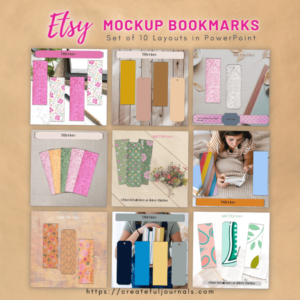
If you are listing your items on Etsy, I encourage you to also add a video. Etsy’s videos are a maximum of 15 seconds and have no audio, so they are easy to create. If you are listing your products on other sites, you may want to consider adding video also, but you can make it longer and add audio.
I hope you find creating and selling bookmarks is as fun and lucrative as I do.