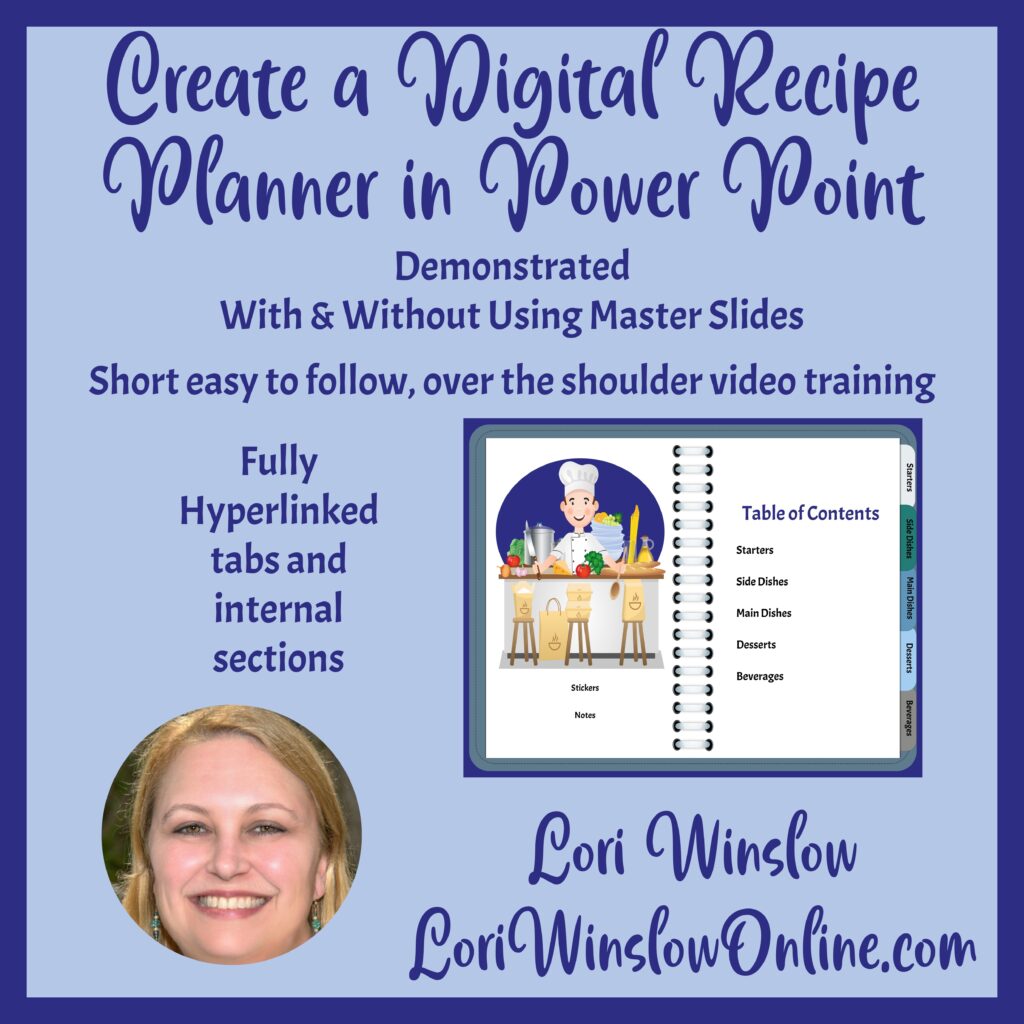
Do you want to create your own unique planners and journals? This can be a great side hustle or just a skill for your own personal use.
There are programs available to you to create your designs, I prefer Power Point. Others to consider are Canva, Affinity, Photoshop, or Google Sheets. There are pros and cons to any platform you choose – and you are not limited to choosing only one 😊.
Power Point offers amazing design features, especially for a program that is not meant to be to used in the way I use it every day. I find that I can create a unique product in a short amount of time and that the tools in Power Point allow me to easily re-use elements and not have to re-create a new design from scratch every time.
Reselling your Creations has many benefits:
- Profit Potential: Designing and selling your own planners can be a lucrative business opportunity, offering high-profit margins compared to other products.
- Customization: Creating your own planner allows you to tailor it to specific niches or target markets, making your products more appealing to potential buyers.
- Brand Building: Selling your own planners can help you establish and grow your brand in the market, increasing brand recognition and customer loyalty.
- Creativity and Flexibility: Designing planners gives you the freedom to unleash your creativity and create unique products that stand out in the market.
- Low Overhead Costs: Compared to other types of businesses, creating and selling planners typically requires minimal overhead costs, making it a cost-effective venture.
- Diverse Revenue Streams: In addition to selling physical planners, you can also offer digital versions, printables, or companion products, expanding your revenue streams.
- Market Demand: Planners are in high demand year-round, with peak seasons around the New Year and back-to-school period, providing a consistent market for your products.
- Personal Fulfillment: Designing planners can be personally fulfilling, as you help others stay organized and achieve their goals through your products.
Dig Into Using Power Point
I personally create my own PLR products using PowerPoint and found it to be so awesome, I also started creating my own training courses as well. My signature course – or the best place to start if you are new to PowerPoint – Create a Planner in PowerPoint.
This is a 6 module over the shoulder video course that can be consumed in a single sitting. The longest video is just over 15 minutes long. By the time you are done with this course you will have the skills to be able to create your own planners and journals in as many varieties as you can dream up.
- Module 1: Page Set-up (6:04)
- Module 2: Monthly Layout (7:54)
- Module 3: 1 & 2 Page Weekly Layout (6:25)
- Module 4: Daily Page Layout (10:56)
- Module 5: Journal & To-Do List (12:49)
- Module 6: Printing & Selling (15:38)
- Bonus Module 1: Layers in PowerPoint
- Bonus Module 2: Customizing Your Quick Access Toolbar
Specific Techniques for Planner Design: This course starts with basic PowerPoint page set-up, and delves into techniques tailored specifically for designing planners. You’ll learn how to harness the full power of PowerPoint to create stunning and functional planner layouts that rival professional designs.
Changing Page Size and Layout: One key skill you’ll acquire is the ability to change page size and layout in PowerPoint. This allows you to design planners in various formats, such as standard letter size, A4, or custom dimensions. Whether you’re creating a compact travel planner or a large wall calendar, knowing how to adjust page size and layout gives you the flexibility to cater to different planner styles and user preferences.
Mastering Tables and Shapes for Planners & Journal: Another focus of this course is mastering the use of tables and shapes in PowerPoint. You’ll discover how to create and customize tables to organize your planner content effectively. From designing monthly calendars to weekly schedules, tables provide a versatile tool for structuring your planner layouts. Additionally, you’ll learn how to use shapes creatively to add decorative elements, icons, and dividers to your planner pages.
These techniques not only enhance the visual appeal of your planners but also improve their functionality and user experience, setting your designs apart in the competitive planner market.
Taking the Next Step
Designing your own planner in PowerPoint is not just about creating a tool for organizing your life; it’s about unleashing your creativity, building a brand, and tapping into a lucrative market. The skill set I teach in this course offers you the opportunity to master advanced techniques that go beyond basic PowerPoint, empowering you to create beautiful and functional planners that stand out in the market.
By learning how to use tables and shapes effectively, as well as how to change page size and layout, you’ll be equipped with the skills needed to design a wide range of planner styles to suit different needs and preferences. Whether you’re creating planners for personal use, as gifts, or for resale, this course will give you the tools and knowledge to succeed in the planner design world.
Don’t settle for generic planners when you can create something truly unique and tailored to your needs. Enroll in this course today and start your journey towards becoming a planner design expert!
If you are not yet ready to commit to a full course, you can check out this video on YouTube where I show you how to create a weekly planner page.